



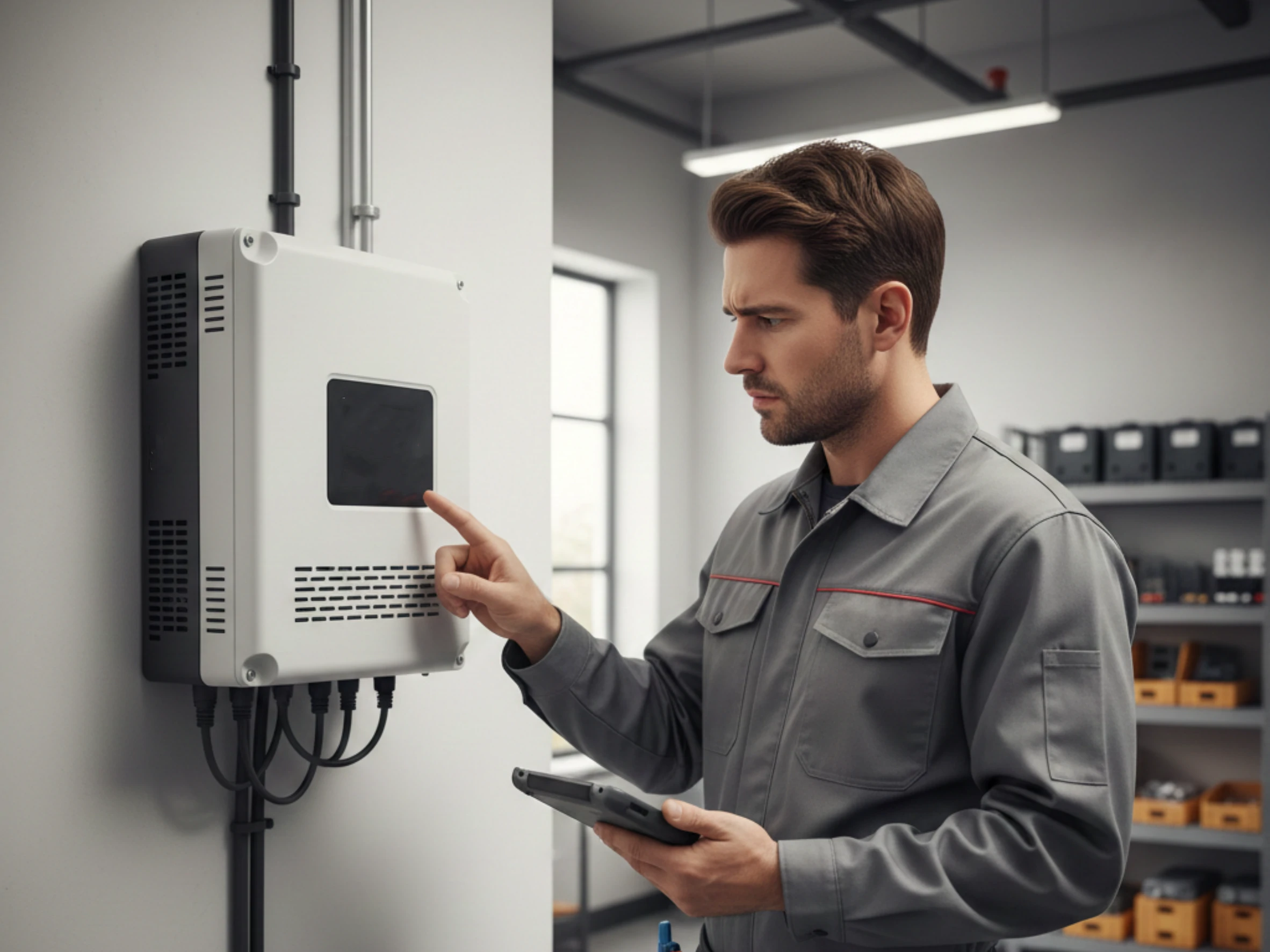
Keeping your solar inverter running smoothly starts with understanding inverter fault codes. These codes may seem confusing at first, but they are your system’s way of alerting you to issues like voltage problems, overheating, or communication errors. By learning what each code means and how to respond, you can prevent downtime, protect your equipment, and maintain peak energy production. This guide breaks down common fault codes and practical troubleshooting tips to keep your solar setup safe and efficient.
If you’ve ever glanced at your solar inverter and noticed a cryptic code blinking on the display, you’re not alone. These codes, known as inverter fault codes, are essentially your solar inverter’s way of saying, “Hey, something isn’t right here.” Think of it like your car’s check engine light, but a bit more specific. Each code corresponds to a particular issue — from voltage problems to overheating or internal system errors.
I remember the first time I saw an inverter fault code on my system. I panicked, thinking the whole system had failed. But after a bit of digging, I realized it was just a minor DC overvoltage warning that needed a quick reset. Understanding these codes can save you both time and money, not to mention headaches.
Ignoring inverter fault codes isn’t just risky; it can cost you efficiency and even damage your system. Your solar inverter converts the DC power from your solar panels into usable AC electricity. If a fault occurs and goes unresolved, your energy production drops, and worst-case scenario, it can lead to permanent damage. Keeping an eye on these codes ensures that your solar setup remains safe, reliable, and optimized.
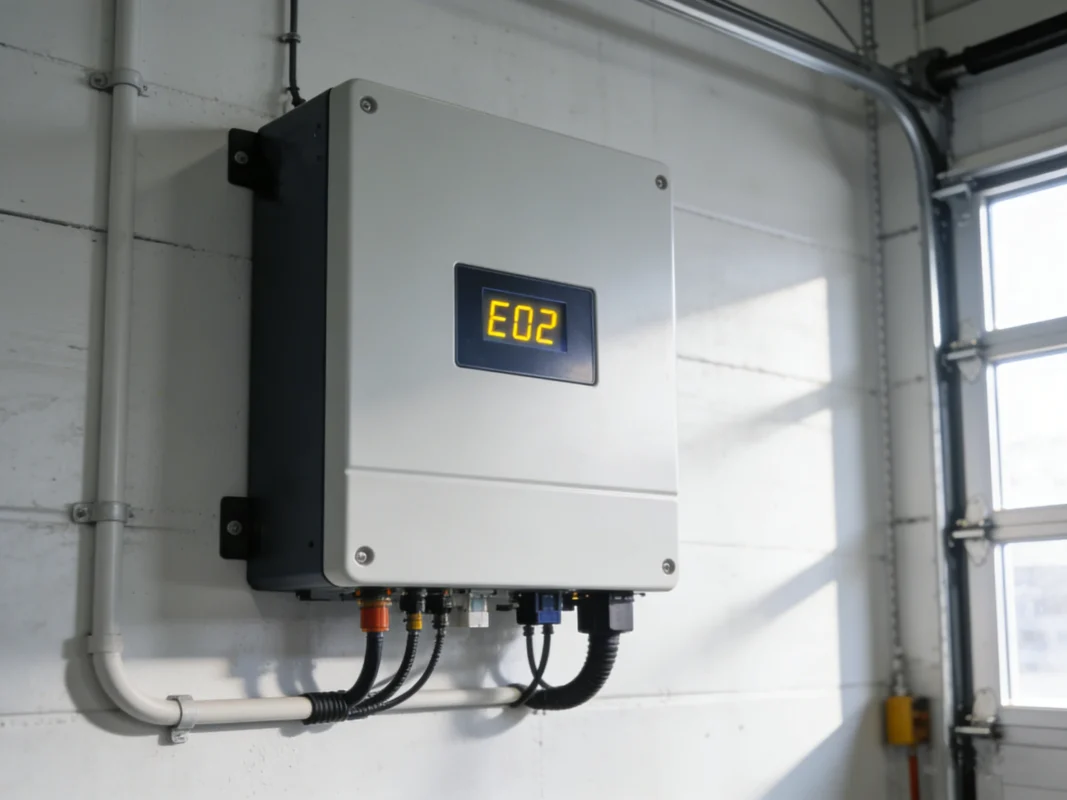
When your solar inverter flashes a warning or displays a code, it can be alarming, especially if you’re not familiar with what it means. Understanding inverter fault codes is the first step in keeping your system healthy and ensuring uninterrupted energy production. Let’s break down the most common types of fault codes you might encounter and what they actually indicate.
DC fault codes are typically related to the input side of your solar inverter, meaning the electricity coming directly from your solar panels. These are some of the most frequent errors you’ll see:
For example, I once had a DC undervoltage fault on a system where a tree branch was partially shading a panel in the morning. Adjusting the panel angle and trimming the branch eliminated the fault permanently. Small fixes like these can save a lot of stress and downtime.
AC fault codes occur on the output side of your solar inverter, where energy flows to your home or the grid. Common examples include:
I recall a situation where an AC overload fault popped up on a hot summer day. The household was running multiple high-demand appliances — an air conditioner, electric kettle, and washing machine — simultaneously. Reducing simultaneous loads resolved the fault immediately, teaching me the importance of load management.
Inverters are sensitive to heat and environmental conditions, so several fault codes may relate to temperature or surroundings:
Preventive measures are simple but effective: keep the inverter in a shaded, ventilated area, regularly clean dust and debris from vents, and avoid installing near heat sources.
Not all inverter fault codes are electrical. Some indicate internal issues or communication problems:
In many cases, restarting the inverter or performing a firmware update resolves the issue. Persistent or recurring codes, however, may indicate an underlying hardware problem that requires professional attention.
Understanding the type of fault code — DC, AC, temperature, or internal — is critical for timely troubleshooting. While some codes are minor and can be resolved with simple inspections or resets, others signal serious problems that shouldn’t be ignored. Maintaining a log of fault codes and the actions taken can help identify patterns and prevent recurring issues.
By keeping a close eye on inverter fault codes, you not only protect your solar inverter but also ensure consistent energy production and long-term system reliability.
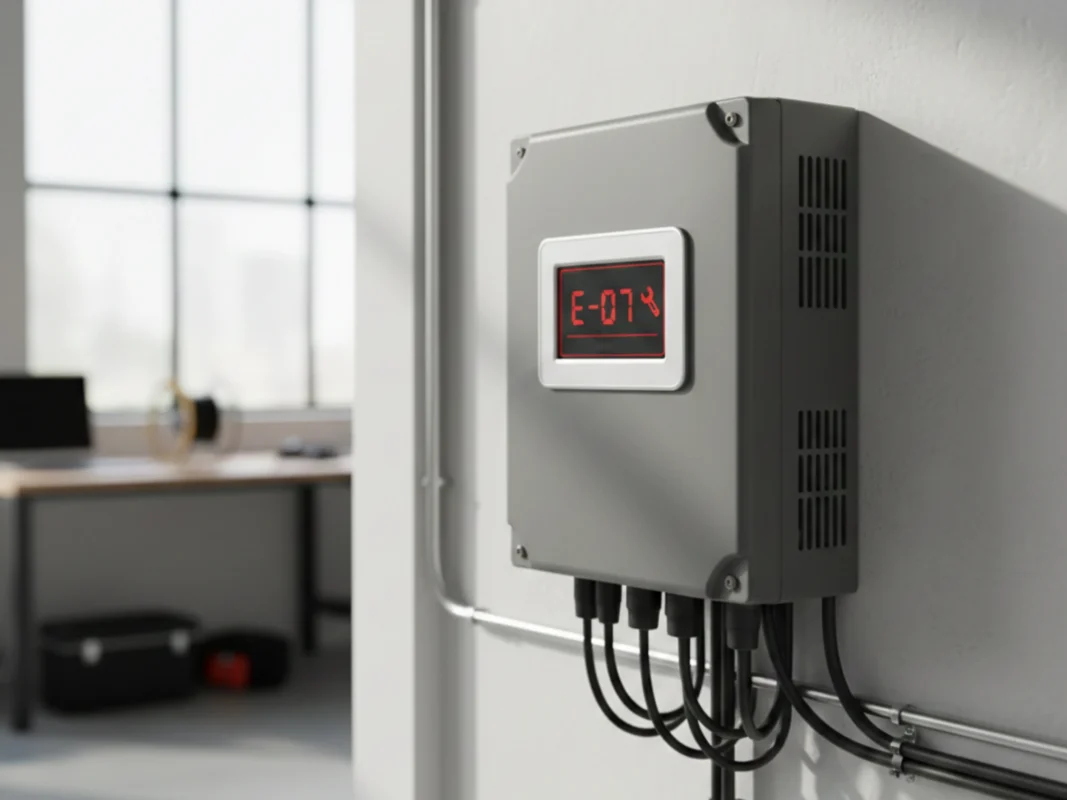
If you’ve ever faced an unexpected shutdown on your solar inverter, the first thing you’ll notice is an inverter fault code on the display. At first glance, these codes can look confusing — a mix of letters and numbers that seem to mean nothing. But once you know how to read them, they become your system’s way of communicating what’s wrong. Correctly identifying and interpreting these codes is essential for keeping your inverter safe, efficient, and reliable.
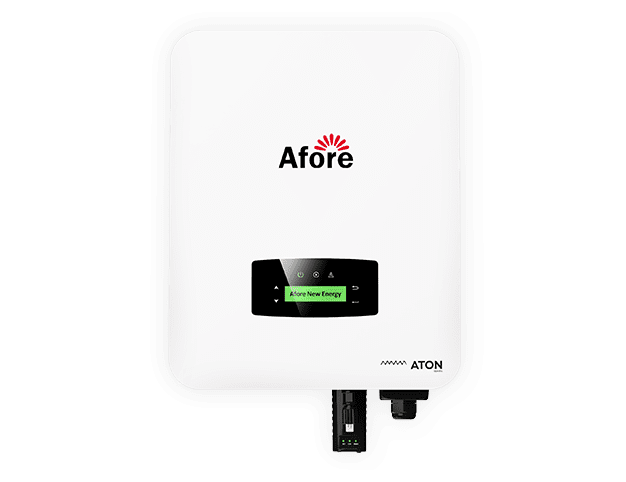
Most inverters come with a small display panel that shows fault codes in real time. Here’s a practical approach I follow to interpret what each code means:
By consistently using the display panel, you can spot problems early — sometimes even before they affect energy production.
Modern solar inverters often come with monitoring apps that send alerts directly to your phone or computer. These apps are extremely helpful for identifying and interpreting fault codes remotely. Here’s why:
For example, on one hot afternoon, my monitoring app flagged a recurring DC overvoltage fault before the inverter display even blinked. This early notice allowed me to adjust shading and prevent a potential shutdown.
Your solar inverter keeps a log of all inverter fault codes — including the date, time, and operating conditions when the fault occurred. Learning to read these logs can give you deeper insights:
Keeping a dedicated notebook or digital log of fault codes, along with the actions taken, allows you to track your system’s health over time. This simple practice can prevent small problems from escalating into costly repairs.
By combining display readings, app notifications, error logs, and physical inspections, you can interpret inverter fault codes with confidence, saving time, money, and frustration.
Identifying and interpreting inverter fault codes is not just about reading a number on a screen. It’s a holistic process that combines technology, observation, and practical experience. Using the display panel, mobile monitoring tools, and error logs together ensures that your solar inverter continues to operate efficiently, safely, and reliably. Early detection and accurate interpretation are your best tools in preventing downtime and extending the life of your system.
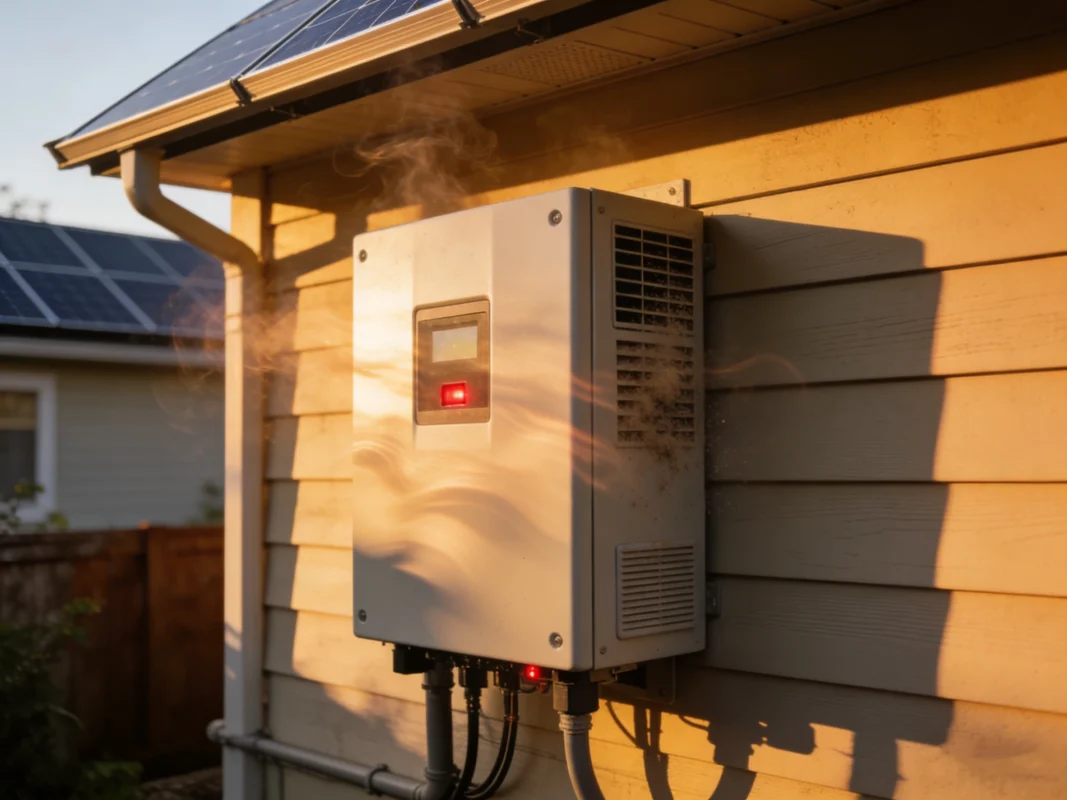
Encountering inverter fault codes can feel intimidating, especially if your solar inverter suddenly stops producing power. The key is not to panic. Most faults are protective mechanisms, designed to prevent damage, and many can be resolved with a structured troubleshooting approach. Here’s a practical guide to help you navigate these codes safely and effectively.
Before diving into fixes, safety must come first. Inverters handle high voltages, and a careless move can be dangerous. Always:
Treating each inverter fault code with caution ensures that troubleshooting doesn’t turn into an accident.
Once safety is ensured, a systematic approach is the most effective:
For instance, I once dealt with a recurring DC undervoltage fault that appeared only during early mornings. After checking, I discovered that nearby tree shadows were partially blocking a panel. Adjusting the panel and trimming the tree solved the problem permanently.
These examples highlight the importance of addressing inverter fault codes not just as numbers on a screen, but as clues to the underlying system health.
Some faults require professional attention. Don’t hesitate to call a certified technician if you notice:
Knowing when to seek professional help prevents minor issues from turning into expensive repairs or permanent damage to your solar inverter.
If there’s one lesson I’ve learned from years of dealing with inverter fault codes, it’s this: most faults don’t come out of nowhere. They build up slowly due to neglect, heat, dust, loose connections, or outdated settings. Preventive maintenance is the quiet hero here. A little attention goes a long way in keeping your solar inverter stable, efficient, and free from unnecessary shutdowns.
You don’t need to be a technician to perform basic inspections. In fact, simple visual checks can prevent many common inverter fault codes before they ever appear.
Here’s what I recommend checking on a regular basis:
I once saw a system throwing random temperature fault codes, and the root cause turned out to be nothing more than dust clogging the ventilation slots. Ten minutes of cleaning solved a problem that had caused weeks of frustration.
Heat is one of the most common triggers behind inverter fault codes, especially during peak summer months. Your solar inverter works hardest when sunlight is strongest, which also happens to be when temperatures are highest.
To reduce heat-related faults:
If you notice that fault codes appear mostly around midday and disappear later, overheating is often the real issue—not a defective inverter.
Environmental factors play a huge role in inverter health. Dust, humidity, insects, and even small animals can all contribute to inverter fault codes over time.
Best practices include:
A clean operating environment reduces stress on internal components and lowers the chance of internal or communication-related inverter fault codes.
Not all preventive maintenance is physical. Some inverter fault codes are triggered by outdated firmware, incorrect grid settings, or communication mismatches.
Here’s what to stay on top of:
I’ve seen cases where repeated AC fault codes vanished immediately after a simple settings adjustment. Software matters just as much as hardware.
One isolated fault code isn’t always a problem. Patterns are what matter.
Preventive maintenance means watching for trends like:
Keeping a basic fault log—date, time, weather, load conditions—can reveal problems long before they turn serious. This habit alone dramatically improves long-term solar inverter reliability.
Small habits can prevent big repairs:
Preventive maintenance isn’t about constant work. It’s about consistency and awareness.
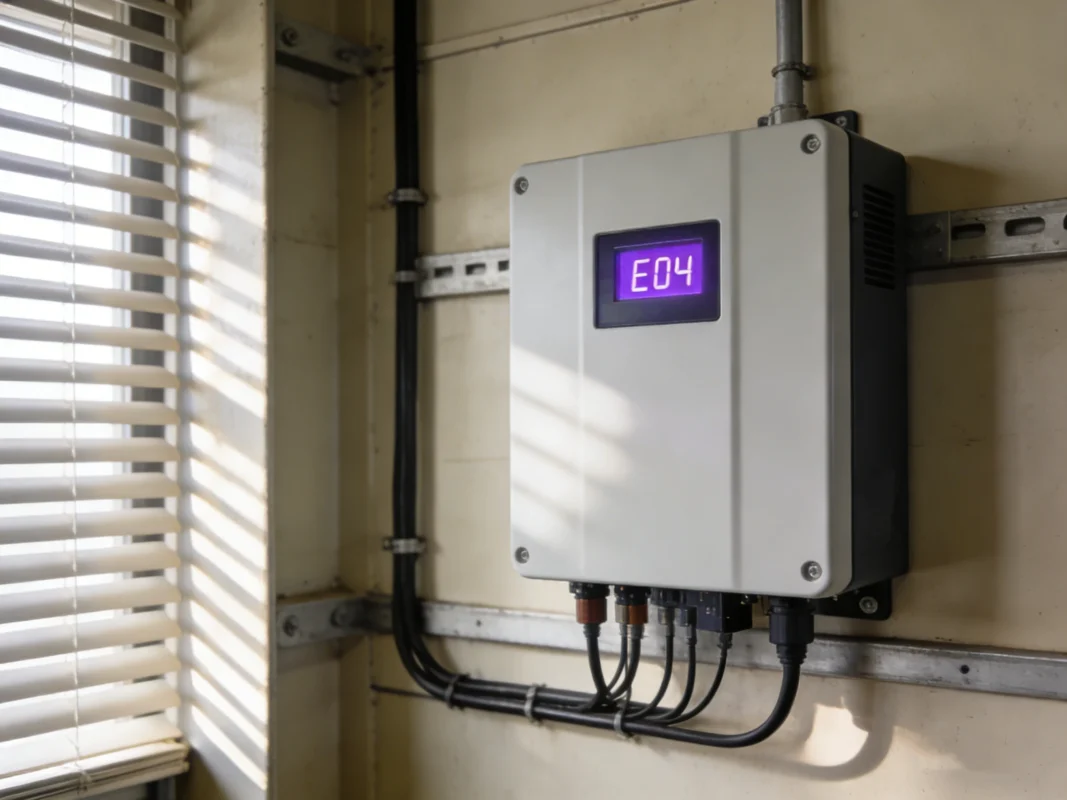
Monitoring inverter fault codes is not just about keeping your system running — it’s about safety, efficiency, and long-term reliability. By understanding common codes, performing preventive maintenance, and knowing when to call a professional, you ensure your solar inverter delivers maximum performance for years to come. Keep logs, stay proactive, and treat these codes as helpful signals rather than scary warnings.
Inverter fault codes are warning signals generated by your system when it detects abnormal operating conditions. They appear to protect your solar inverter from damage caused by voltage issues, overheating, grid instability, or internal errors. In most cases, the code is not a failure but an early warning.
Not necessarily. Many inverter fault codes are temporary and clear on their own once conditions return to normal. For example, a brief grid fluctuation or high temperature can trigger a fault without causing long-term harm. However, repeated or persistent fault codes should never be ignored.
Yes. When a solar inverter detects a fault, it may reduce output or shut down entirely as a safety measure. Even short interruptions can lower daily energy yield, especially if fault codes occur during peak sunlight hours.
In many cases, yes—but only after identifying the cause. Resetting without understanding the reason behind the inverter fault code can temporarily hide a bigger issue. A reset should be the final step, not the first reaction.
High temperatures increase internal stress on electrical components. Heat-related inverter fault codes are common during summer, especially if ventilation is poor. This doesn’t mean the inverter is defective—it usually means cooling needs improvement.
Not automatically. Fault codes are designed to prevent failure, not announce it. Many systems operate for years with occasional fault codes that are easily resolved. Failure is more likely when codes are ignored or repeatedly reset without investigation.
Basic troubleshooting—such as checking ventilation, reducing AC load, or inspecting visible wiring—is often safe for homeowners. However, if inverter fault codes persist, involve internal errors, or relate to AC grid protection, professional evaluation is strongly recommended.
Recurring inverter fault codes usually indicate an unresolved root cause. Common reasons include partial shading, loose connections, overheating, or incorrect system settings. Repetition is a signal to look deeper rather than resetting again.
Absolutely. Grid voltage fluctuations, frequency instability, or outages can all trigger AC-related inverter fault codes. In these cases, the inverter is reacting correctly to external conditions, not malfunctioning.
If you have monitoring access, a quick daily glance is enough. For systems without apps, a visual check every few days is reasonable. The goal is early detection—spotting inverter fault codes before they impact performance.
Not completely, but their frequency can be greatly reduced. Good ventilation, routine inspections, clean surroundings, and proper load management significantly lower the chances of recurring inverter fault codes.
You should seek professional help if:
• The same fault code appears repeatedly
• Multiple fault codes occur together
• The inverter shuts down frequently
• There are signs of overheating, noise, or electrical smell
At that point, continuing DIY troubleshooting may cause more harm than good.








 Turkish
  Romanian